
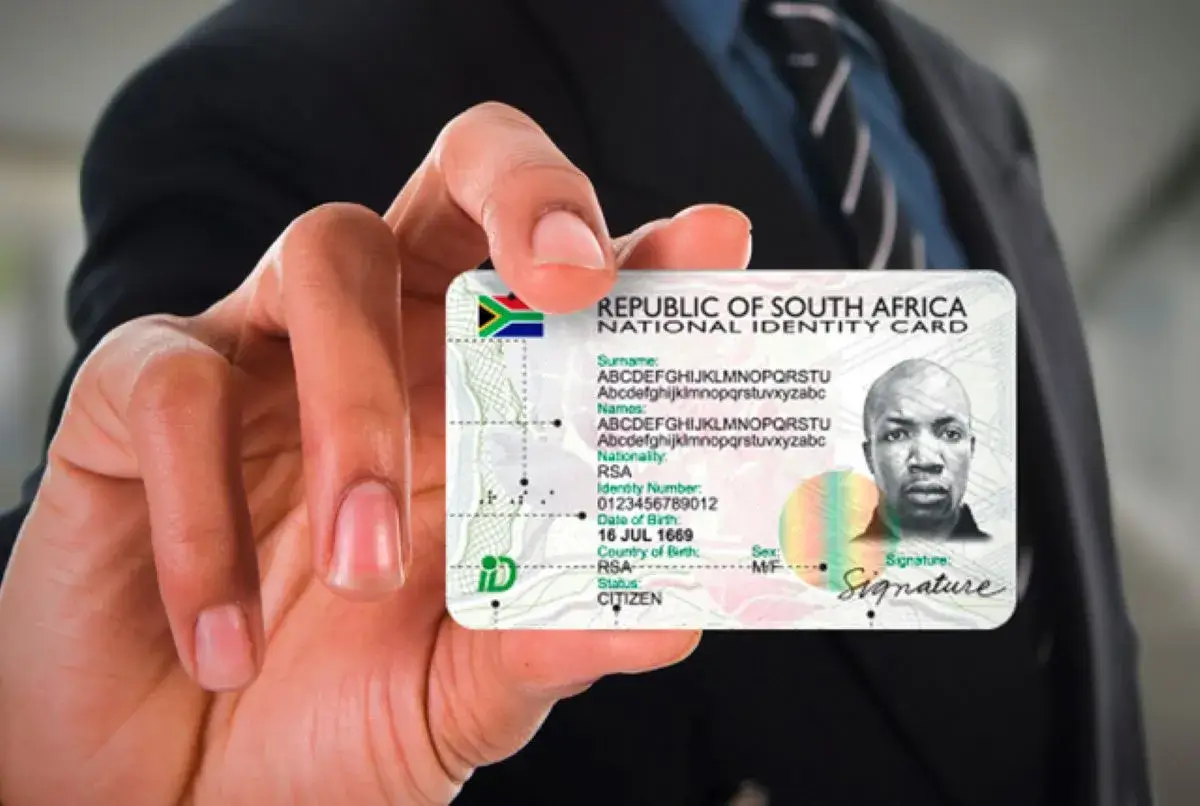

Applying for a South African Identity Document no longer requires long queues at Home Affairs offices. Thanks to the online eHomeAffairs system, eligible citizens can now apply for an ID online, book appointments, and even collect their Smart ID cards from selected banks.
The service is provided by the Department of Home Affairs, making the application process faster, more convenient, and more secure.
Here’s everything you need to know about how to apply for an ID online in South Africa.
Who Can Apply for an ID Online?
You can apply online if you are:
- A South African citizen
- Applying for a Smart ID Card (not the green barcoded ID)
- Aged 18 years or older
- In possession of a valid South African ID number
First-time ID applicants turning 18 may still need to visit Home Affairs, but the online system can be used to book appointments.
Step 1: Register on eHomeAffairs
Visit the official eHomeAffairs portal and create an account using:
- Your South African ID number
- Valid email address
- Mobile number
Once registered, you can log in and access online services.
Step 2: Complete the Online ID Application
After logging in:
- Select Smart ID Card Application
- Complete your personal details
- Review and confirm all information carefully
Ensure your details match Home Affairs records to avoid delays.
Step 3: Make an Online Payment
Pay the required application fee online using:
- Debit card
- Credit card
The standard Smart ID Card fee applies, unless you qualify for a free replacement or exemption.
Step 4: Book an Appointment
Once payment is confirmed:
- Book an appointment at a Home Affairs office or participating bank branch
- Choose a date and time that suits you
Bank collection options are available in major cities and are highly recommended for faster service.
Step 5: Visit the Office or Bank for Biometrics
On your appointment date:
- Bring your booking confirmation
- Have your fingerprints and photo captured
- Biometric data must be done in person
This step is mandatory even for online applications.
Step 6: Collect Your Smart ID Card
After processing:
- You will receive an SMS notification when your ID is ready
- Collect it from the same office or bank where biometrics were captured
- Bring your old ID (if replacing) and proof of identity
How Long Does the Process Take?
Processing times vary but typically:
- 7 to 21 working days after biometrics
- Bank collections are often faster than Home Affairs offices
Delays may occur during peak periods.
Important Things to Remember
- The green barcoded ID book cannot be applied for online
- Online applications are only for Smart ID Cards
- Details must match population register records
- Missed appointments may require rebooking
Final Word
Applying for an ID online in South Africa has made the process far more efficient, reducing queues and saving time. By using the eHomeAffairs system and opting for bank collection where possible, applicants can enjoy a smoother and more convenient experience.
South Africans are encouraged to apply early, double-check their details, and monitor SMS notifications to ensure timely collection of their Smart ID cards.